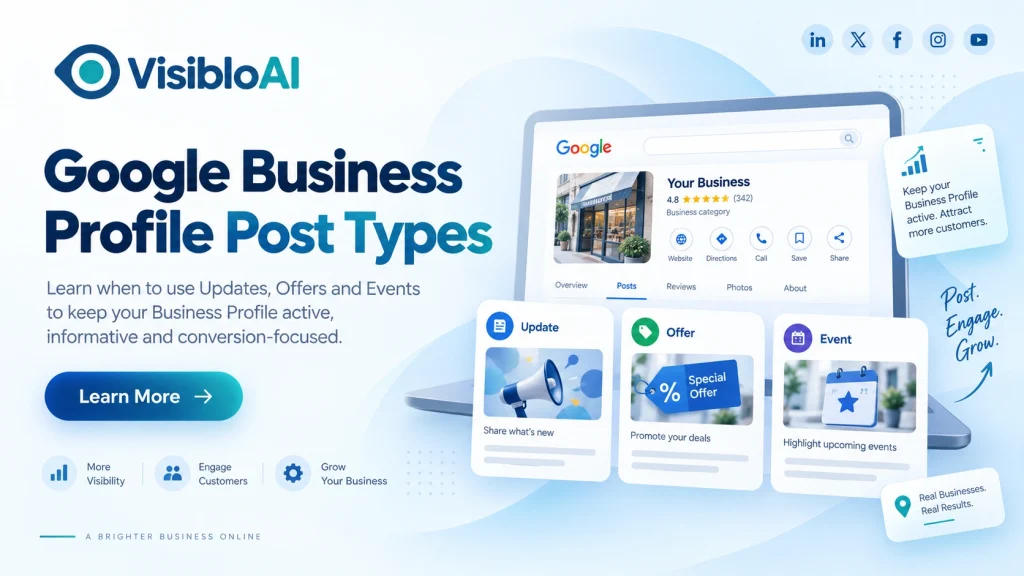
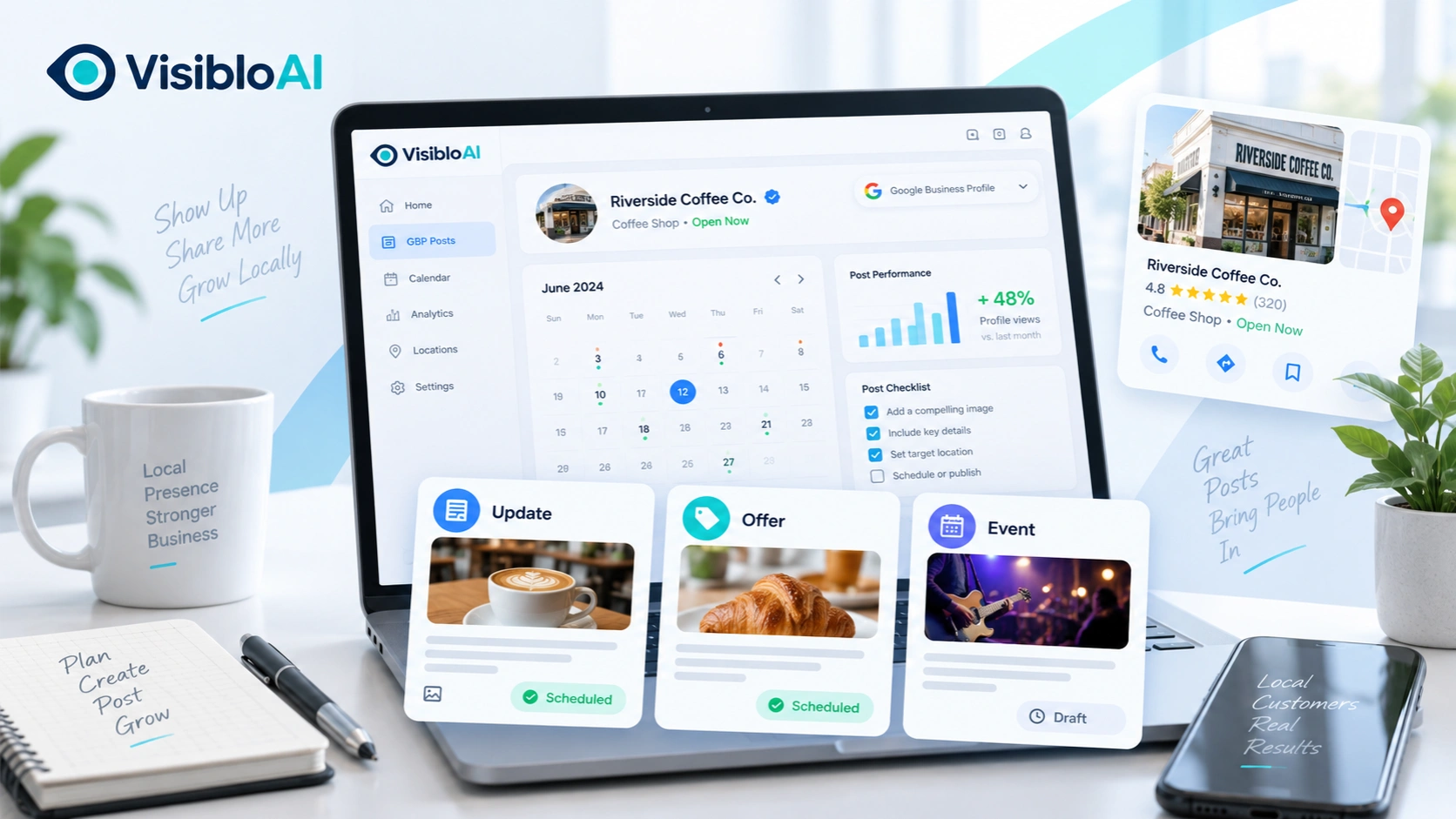
Google Business Profile gives local businesses three main post types to communicate with customers: Updates, Offers, and Events.
They may look similar when you are creating a post, but they serve different purposes. Choosing the wrong format can make an important promotion look like a normal announcement or make an event harder for customers to understand.
The easiest way to choose is to think about the action you want from the customer.
If you simply want to share information, choose an Update. If you are promoting a discount or special deal, choose an Offer. If something is happening on a specific date or during a specific period, choose an Event.
This guide explains the different Google Business Profile post types, when to use each one, and how to structure them effectively.
Update vs Offer vs Event: Which GBP Post Type Should You Choose?
You do not need to overthink the choice. Start with the purpose of your message.
|
Your Goal |
Best GBP Post Type |
Example |
|
Announce a new service |
Update |
“Weekend consultation is now available” |
|
Share business news |
Update |
“We have opened a new location” |
|
Introduce a new product |
Update |
“Our new summer menu is live” |
|
Promote a discount |
Offer |
“Get 20% off until Sunday” |
|
Share a coupon |
Offer |
“Use SAVE20 to get 20% off” |
|
Run a seasonal promotion |
Offer |
“Festive package available this week” |
|
Promote a webinar |
Event |
“Local SEO webinar on September 20” |
|
Announce a workshop |
Event |
“Free workshop this Saturday” |
|
Promote an open house |
Event |
“Open house from 2 PM to 5 PM” |
A useful rule is:
Information = Update
Promotion = Offer
Date-based activity = Event
The rest of the decision comes down to how you want customers to respond.
When an Update Post Is the Right Choice
A Google Business Profile Update post is the most flexible option.
Use it when you have something useful to tell customers but the message is not primarily a discount and does not revolve around an event date.
For example, a dental clinic might announce that Saturday appointments are now available. A restaurant could introduce a new dish. A software company might announce a new service. A local retailer could share that a popular product is back in stock.
A strong Update post usually follows this structure:
What changed → Why it matters → What should the customer do next
For example:
Weekend appointments are now available. Customers who cannot visit during weekdays can book a Saturday consultation online. Check the available slots and choose a convenient time.
That is more effective than simply writing:
Weekend appointments available. Contact us.
The first version gives the customer context, benefit and a clear next step.
Update or Offer?
This is where businesses often choose the wrong GBP post type.
If your message is:
“We now provide website maintenance services.”
Use an Update.
But if the message becomes:
“Get 20% off your first website maintenance plan until September 30.”
It is now an Offer.
The service may be the same, but the purpose of the post has changed.
When You Should Use an Offer Instead of an Update
A Google Business Profile Offer post is designed for promotions.
Use it when customers receive a clear financial or promotional benefit such as a discount, coupon, free service, special package or limited-time deal.
For example:
20% off a service
₹500 off your first order
Buy one, get one free
Free consultation until September 30
Festive pricing for a limited period
The strongest Offer posts make five things immediately clear:
What is being offered, how much value the customer receives, when the offer ends, any important conditions, and how the customer can claim it.
Consider these two versions.
Weak:
Special offer available now. Contact us today.
Better:
Get 20% off your first website maintenance plan until September 30. The offer is available to new customers. View the offer and choose the plan that fits your business.
The second version removes uncertainty.
If you have a coupon code, redemption link or important terms, include them where relevant.
When not to use an Offer
Do not turn every announcement into an Offer just because you want more clicks.
If there is no actual promotional benefit, an Update is usually a better fit.
Clear classification makes your Business Profile easier for customers to understand.
When an Event Post Makes More Sense
A Google Business Profile Event post works best when the date or time is an important part of the message.
Think about webinars, workshops, open houses, launches, demonstrations, training sessions, networking events or community activities.
For example:
Join our free Google Business Profile workshop on September 20 from 4 PM to 5 PM. Learn how to improve your profile, manage reviews and build a more consistent local presence.
The value of this post depends on when the activity happens, which makes Event the correct format.
Event vs Offer: What’s the difference?
Consider these two messages:
“Attend our free Local SEO workshop on September 20.”
This is an Event because the customer needs to attend something at a particular time.
Now compare it with:
“Get 30% off our Local SEO service until September 20.”
That is an Offer because the main value is the discount.
Both have dates, but the customer action is different.
That distinction is more important than the presence of a date.
Don’t Choose the Post Type by Content Choose It by Customer Action
One of the easiest mistakes is asking:
“What am I posting about?”
A better question is:
“What do I want the customer to do after reading it?”
Use this simple framework:
|
Desired Customer Action |
Recommended Post Type |
|
Learn about something new |
Update |
|
Visit a page for more information |
Update |
|
Discover a new service |
Update |
|
Claim a discount |
Offer |
|
Use a coupon |
Offer |
|
Buy during a promotion |
Offer |
|
Attend an activity |
Event |
|
Register for a scheduled session |
Event |
This approach is especially useful when two post types appear possible.
For example, a restaurant may be launching a new menu during a special weekend event.
If the main goal is telling customers about the new menu, use an Update.
If the main goal is getting people to attend the launch event on Saturday, use an Event.
The content may overlap, but the desired customer action determines the best format.
How to Structure Each Google Business Profile Post
Good GBP posts do not need to be complicated.
The format should support the purpose.
Update
Use:
What happened → Customer benefit → Next action
Example:
We now offer same-day laptop repair for selected issues. Customers can bring eligible devices to our service centre and get faster support without waiting several days. Check availability before visiting.
Offer
Use:
Benefit → Offer value → Deadline → Conditions → CTA
Example:
Save 15% on selected repair services until September 30. The offer is available for new service bookings and cannot be combined with other promotions. View the offer for details.
Event
Use:
What is happening → Why attend → Date/time → Key information → Registration
Example:
Join our free small-business marketing workshop on September 25 at 5 PM. We will cover Google Business Profile basics, customer reviews and local visibility. Reserve your place before registration closes.
Notice that every example has one purpose and one clear action.
That is usually more effective than trying to promote three services, a discount and an event inside the same post.
Common Google Business Profile Post-Type Mistakes
Even businesses that post regularly can make simple classification mistakes.
A discount should normally be presented as an Offer rather than hidden inside an Update. An activity with a specific schedule should usually be presented as an Event rather than a general announcement.
Another common problem is unclear messaging. Saying “Special deal available” gives customers very little reason to act. Explain the actual value.
Avoid overcrowding posts with several calls to action. If you ask people to call, book, download, visit, subscribe and claim an offer in the same message, the main goal becomes unclear.
Images should also match the message. An Event should visually feel connected to the activity, while an Offer creative should make the promotion easy to understand.
Finally, keep promotional information current. A post advertising an expired deal or completed event creates a poor customer experience.
What Should Your GBP Posting Mix Look Like?
There is no universal formula such as “60% Updates, 30% Offers and 10% Events.”
Your ideal mix depends on what your business actually does.
A professional service company may publish more Updates because it regularly shares services, knowledge and business announcements.
A retail business may use Updates and Offers more frequently because product launches and promotions are common.
A restaurant might use Updates for new menu items, Offers for weekday deals and Events for special dining nights.
A B2B company could focus mainly on useful Updates while using Events for webinars, workshops and demonstrations.
The goal is not to use every Google Business Profile post type equally. The goal is to choose the format that accurately represents each message.
Use This 20-Second Check Before Publishing
Before choosing a post type, ask yourself three questions.
Am I mainly sharing useful information?
Choose Update.
Am I giving the customer a discount, deal or promotional benefit?
Choose Offer.
Does the customer need to know a particular date or time to participate?
Choose Event.
If two formats still seem possible, ask one final question:
What is the primary action I want the customer to take?
That will usually give you the answer.
Managing GBP Posts Becomes Harder as You Scale
Choosing between Updates, Offers and Events is relatively simple when you publish occasionally for one Business Profile.
The challenge becomes larger when a business needs to manage regular posts, different campaigns, several publishing dates or multiple Google Business Profiles.
You may need to remember which promotion ends this week, which Event needs to go live next month, what Update should be published tomorrow and whether every location is receiving the right content.
At that point, the challenge is no longer knowing what type of Google Business Profile post to use.
It is maintaining a consistent publishing workflow.
Automate Google Business Profile Posting with Visiblo AI
Knowing whether to publish an Update, Offer or Event is only one part of Google Business Profile management.
Businesses also need to plan content, create posts, maintain consistency and publish them at the right time.
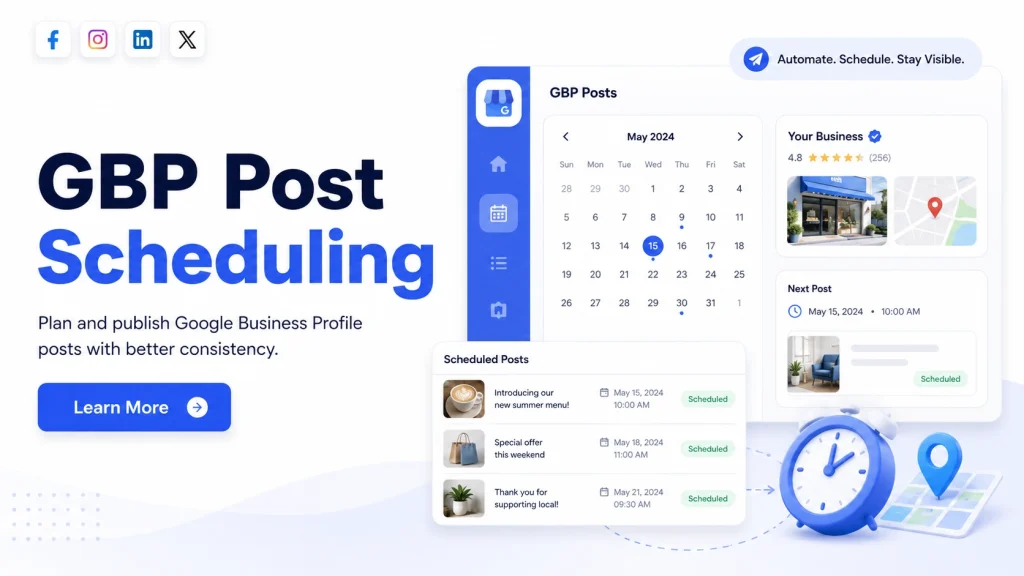
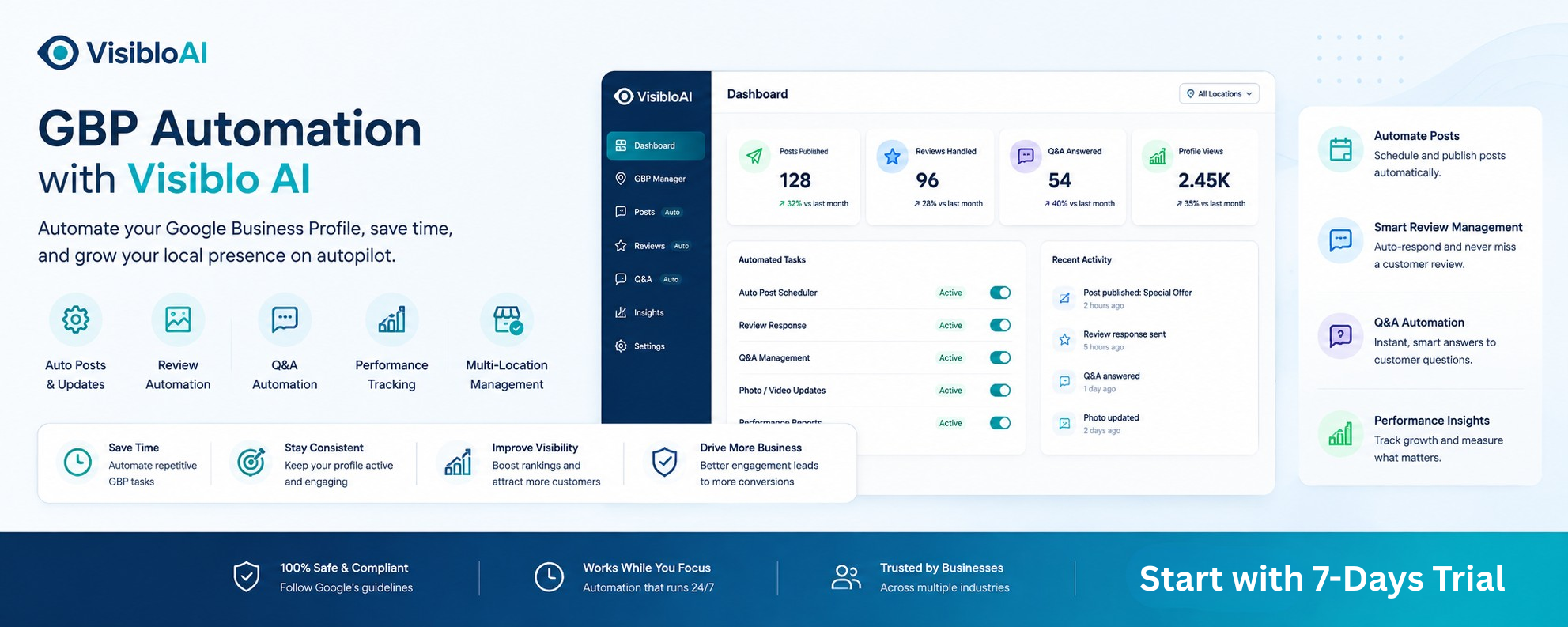
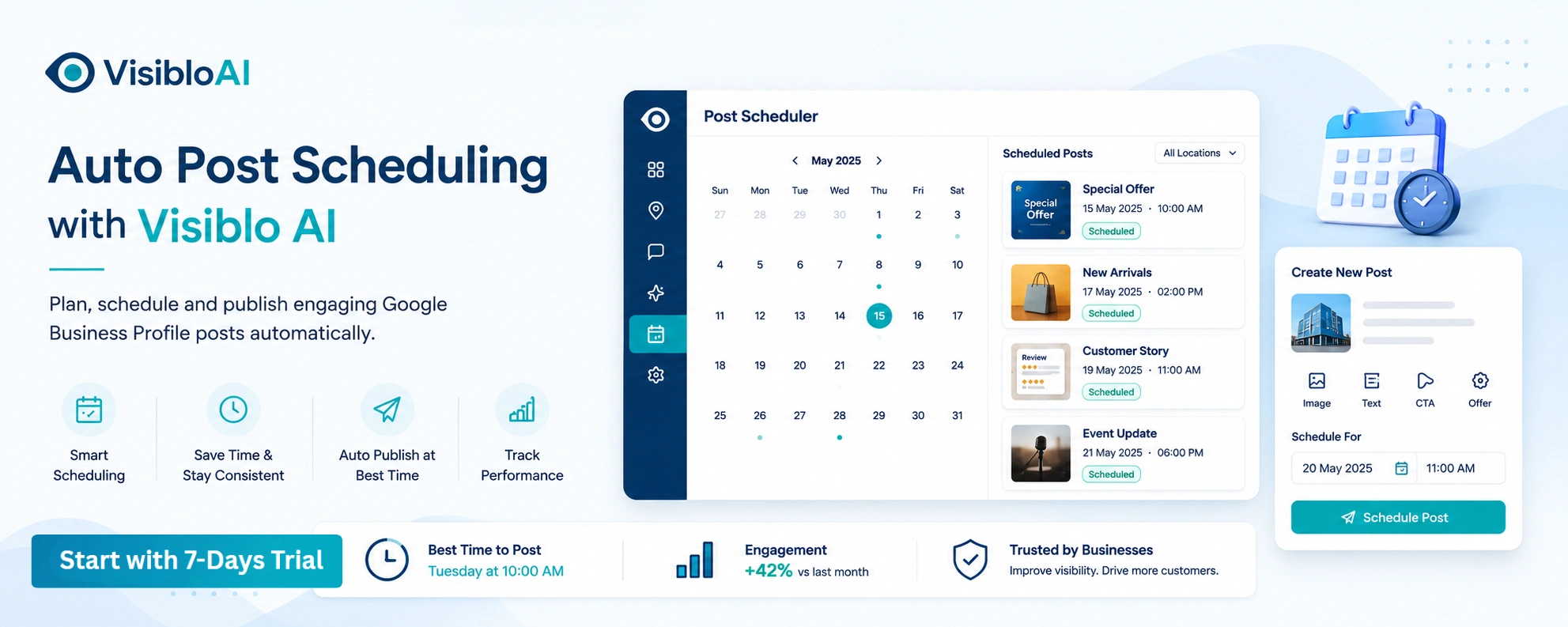
Visiblo AI helps simplify that workflow through Google Business Profile automation and AI Auto Post Scheduling.
Instead of manually managing every publishing task, businesses can use Visiblo AI to make GBP content planning and scheduling easier and more consistent. This can be especially useful for agencies, growing local businesses and teams managing multiple profiles.
Automation does not replace the need to choose the right message. It helps you execute the strategy more efficiently.
Know the purpose of the post. Choose the right format. Then automate the repetitive work.
FAQs About Google Business Profile Post Types
Q1. Which Google Business Profile post type should I use for a discount?
Use an Offer post when you are promoting a discount, coupon, limited-time deal or another clear promotional benefit. Include the value of the offer, relevant dates and any important conditions.
Q2. What’s the difference between a Google Business Profile Update and Offer?
An Update is mainly used to share business information, news or announcements. An Offer is intended for promotions such as discounts, coupons or special deals.
Q3. Should a webinar be an Update or Event post?
If the webinar takes place on a specific date or time and you want customers to attend or register, an Event post is normally the better choice.
Q4. What are the main types of Google Business Profile posts?
The main Google Business Profile post types are Updates, Offers and Events. Updates share information, Offers promote deals, and Events promote date-based activities.
Q5. Can Google Business Profile posting be automated?
Yes. Businesses can use scheduling and automation tools to reduce repetitive publishing work and maintain a more organized posting process. Platforms such as Visiblo AI can help businesses streamline Google Business Profile content planning and post scheduling.