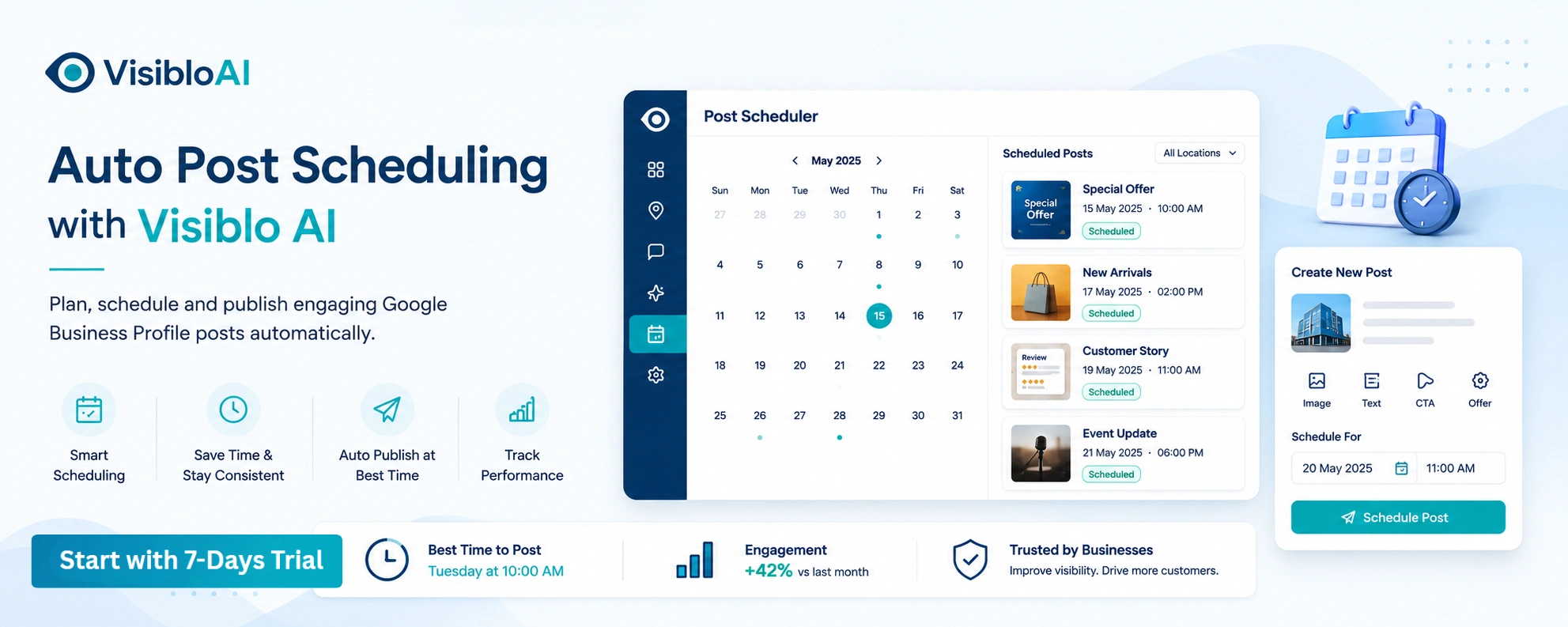
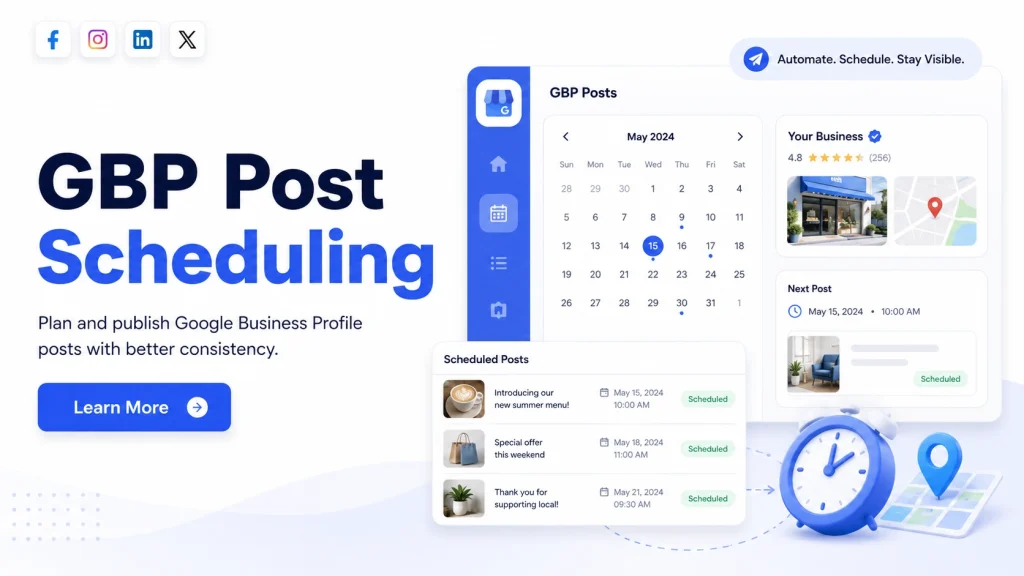
Google Business Profile post scheduling lets you prepare a business update in advance and choose the date and time when you want it to appear on your profile.
Instead of remembering to manually publish a post on Tuesday morning or just before an offer begins, you can prepare the content earlier and schedule it to go live automatically.
Google Business Profile currently supports scheduled Updates, Offers and Events. Businesses can also create recurring schedules and publish a post across selected Business Profiles.
That sounds simple, but there is an important difference between scheduling a post and automating your Google Business Profile content workflow.
Let’s look at exactly how Google Business Profile post scheduling works, where it helps, where manual scheduling becomes difficult, and when AI-powered automation can make the process easier.
How Does Google Business Profile Post Scheduling Work?
Google Business Profile post scheduling basically separates two tasks:
Creating the post and publishing the post.
You create the content today but tell Google to publish it later.
The process looks like this:
Create the post → Add content → Choose a date and time → Review → Schedule → Google publishes it later
Google’s current workflow allows businesses to go to their Business Profile, create a post and choose between an Update, Offer or Event.
After adding the required information, you can turn on Schedule this post, choose when it should publish and, if necessary, set the post to repeat on a weekly, monthly or custom schedule.
This is useful when your marketing activity is planned ahead of time.
For example, imagine a restaurant has a weekend offer starting Friday.
Instead of someone remembering to publish the offer on Friday morning, the team can create it on Monday and schedule it to appear when the campaign begins.
The same process can work for:
- upcoming events
- product launches
- new services
- seasonal offers
- appointment availability
- business announcements
- educational updates
- location-specific campaigns
The main benefit is simple: your content can go live at the planned time without depending entirely on someone remembering to publish it.
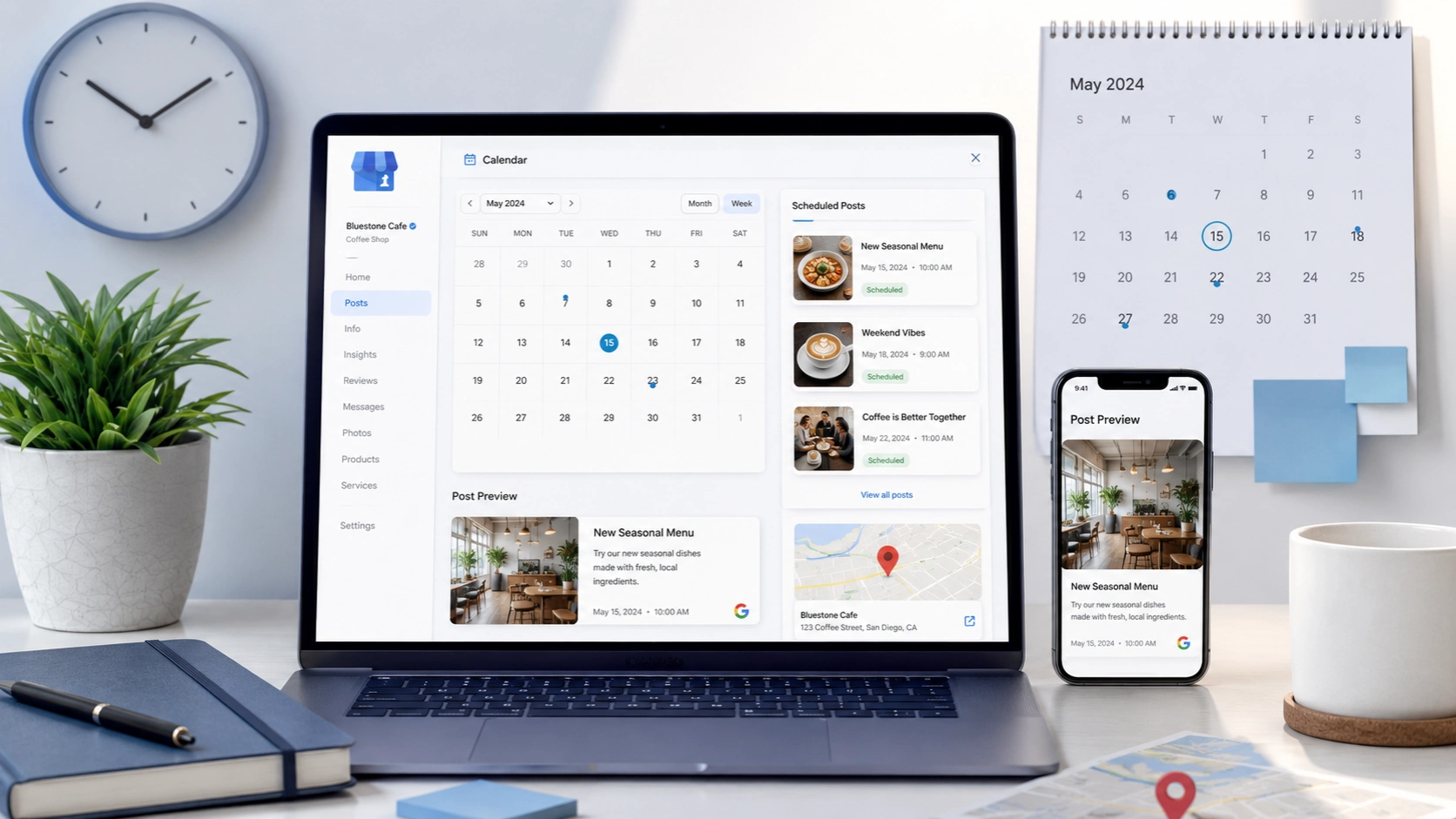
What Types of Google Business Profile Posts Can You Schedule?
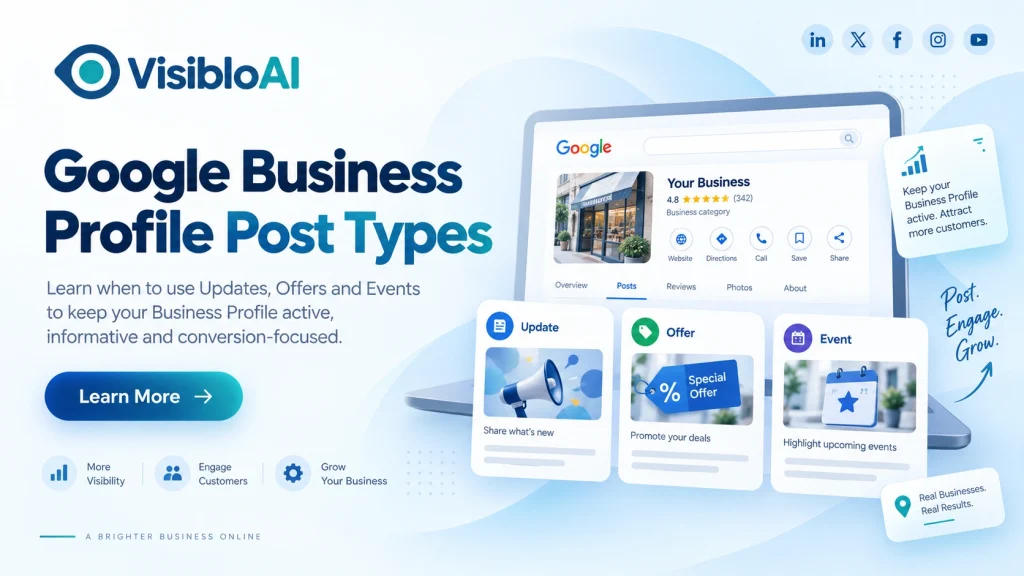
Google currently provides three main Business Profile post types: Updates, Offers and Events.
Each one should be used differently.
1. Update Posts
Update posts are useful when you want to share general information about your business.
You might schedule an Update for:
- a newly launched service
- a product announcement
- business news
- appointment availability
- seasonal information
- educational content
- an operational update
For example, a dental clinic could schedule a Monday update about preventive dental cleaning appointments available during the week.
An Update can include text, photos or video and an action button linking users to a relevant page.
2. Offer Posts
Offer posts are designed for promotions and special deals.
These are particularly useful for scheduling because promotions normally have fixed campaign dates.
A business could prepare an offer several days earlier and schedule it to publish when the promotion starts.
Offer posts can include details such as:
- offer title
- start and end dates
- description
- photo or video
- coupon code
- website link
- terms and conditions
Google also automatically includes a View Offer action with this post type.
3. Event Posts
Event posts are useful when your business has something happening on a particular date.
Examples include:
- workshops
- open houses
- webinars
- product demonstrations
- local events
- store activities
- training sessions
Because an event already has a specific date, scheduling the promotion in advance makes sense.
Instead of remembering to promote an event at the last minute, you can prepare the post while planning the event itself.
Can Google Business Profile Posts Be Scheduled Repeatedly?
Yes.
Google Business Profile now supports recurring posts.
When scheduling a post, businesses can use the Repeats option to choose a frequency such as weekly, monthly or a custom schedule.
For example:
Every Monday: weekly service availability
First day of every month: monthly announcement
Every Friday: recurring weekend information
Recurring scheduling can save time, but it needs to be used carefully.
A recurring post should not become:
the same generic sales message appearing every week for months.
Before using recurrence, ask:
- Will this information still be accurate?
- Will customers still find it useful?
- Could the price change?
- Could availability change?
- Does the offer have an expiry date?
- Is the message relevant every time it appears?
Automation should reduce repetitive work, not create repetitive content.
Scheduled Posts vs Recurring Posts vs Automated GBP Posting
These three terms are often used as if they mean the same thing, but they solve different problems.
|
Method |
What It Does |
Best Use |
|
Scheduled post |
Publishes one prepared post later |
Campaigns and planned updates |
|
Recurring post |
Repeats a post according to a schedule |
Regular recurring information |
|
Automated posting workflow |
Helps manage planning, creation and scheduling together |
Ongoing GBP content management |
The easiest way to understand the difference is:
Scheduling answers:
“When should this post go live?”
Automation answers:
“What should we publish, how will we create it, how do we organize the calendar, and how can we keep the process consistent?”
This distinction becomes especially important for businesses managing Google Business Profile every week.
Google can schedule content that is already prepared.
But somebody still needs to:
choose the topic → write the post → select an image → confirm the information → add the right CTA → decide the timing → review the content.
This is the workload that AI-powered Google Business Profile automation can help reduce.
How to Schedule a Google Business Profile Post
The native process is straightforward.
Step 1: Open Your Business Profile
Sign in to the Google account that manages your business and open the required Business Profile.
Step 2: Create a New Post
Open the Posts section and select Add post.
Step 3: Select the Post Type
Choose:
- Update
- Offer
- Event
Select the format that matches what you are trying to communicate.
Step 4: Add Your Content
Prepare the post with the required information.
Depending on the post type, this may include:
- description
- title
- image
- video
- offer information
- event dates
- link
- action button
- coupon details
Step 5: Schedule the Post
Turn on Schedule this post and choose the date and time when you want the post to publish.
Step 6: Configure Recurrence if Required
If the information should repeat, select a frequency from the repeating schedule options.
Only use this when the content will remain accurate.
Step 7: Review Everything
Check:
- spelling
- dates
- offer terms
- image
- destination link
- location information
- CTA
- service availability
Step 8: Confirm the Post
Once everything is correct, complete the scheduling process.
Google will review the post against its content policies. A post may appear as Live, Pending or Not approved, depending on its status.
What Should You Check Before Scheduling GBP Posts?
Scheduling saves time only when the information you schedule is correct.
Before adding several weeks of posts to your Google Business Profile content calendar, review these areas.
Check Future Accuracy
Ask yourself whether the content will still be correct when it publishes.
This is especially important for:
- prices
- discounts
- availability
- opening hours
- event details
- limited-time services
- seasonal promotions
If there is a good chance that something will change, schedule the content closer to the publication date.
Check the Landing Page
A strong post with a broken destination link will not help the user.
Make sure your CTA leads to a page that:
- works properly
- matches the post
- loads on mobile
- contains the information promised in the post
If the post promotes a particular service, linking directly to the relevant service page is usually more useful than sending everyone to the homepage.
Match the CTA to the Intent
Do not automatically use the same CTA on every Google Business Profile post.
An educational post may work well with:
Learn More
An appointment-focused post may need:
Book
A purchase-focused update may need:
Order Online
A customer who needs immediate assistance may respond better to:
Call
The action should match what you expect the reader to do next.
Avoid Phone Numbers Inside the Post Content
Google’s current Business Profile post policy says phone numbers should not be placed in the post content. Instead, businesses can use the Call now button connected to the verified Business Profile phone number.
This is an important detail to check before scheduling content in bulk.
Check Location Relevance
If your business manages multiple locations, do not automatically assume the same post is relevant everywhere.
For example, an offer available at your Mumbai location may not be available in Pune.
Review:
- location name
- local service availability
- offer details
- local landing page
- opening hours
- campaign dates
before publishing across several profiles.
How Far in Advance Should You Schedule Google Business Profile Posts?
There is no need to schedule every post months ahead.
The right planning window depends on the type of content.
|
Content Type |
Practical Approach |
|
Regular updates |
Prepare several days ahead |
|
Weekly content |
Plan in weekly or monthly batches |
|
Seasonal campaigns |
Prepare before seasonal demand begins |
|
Events |
Schedule early enough to build awareness |
|
Limited-time offers |
Align closely with start and end dates |
|
Urgent updates |
Publish closer to real time |
Planning ahead is useful.
Planning too far ahead without reviewing the content can create another problem: outdated information.
A good workflow is to prepare your Google Business Profile posts in batches while still reviewing scheduled content before important campaigns begin.
How Often Should You Schedule Google Business Profile Posts?
There is no universal rule that every business must publish three, five or seven GBP posts every week.
The better question is:
How often does your business have something genuinely useful to communicate?
A local business might post about:
- a priority service
- a common customer question
- a genuine offer
- an upcoming event
- a new product
- seasonal demand
- availability
- an important business update
One or two useful posts can provide more value than several weak posts created only to maintain volume.
Google also states that Business Profile posts older than six months are archived unless a date range is set.
So avoid relying on old advice that every Google post simply disappears after seven days.
Focus instead on maintaining a relevant stream of information customers can actually use.
A Practical Four-Week GBP Scheduling Example
A small business does not need a complicated content calendar to start.
A simple monthly structure could look like this:
|
Week |
Post Focus |
Example |
|
Week 1 |
Priority service |
Explain one important service |
|
Week 2 |
Customer question |
Answer a frequent query |
|
Week 3 |
Offer or event |
Promote something time-sensitive |
|
Week 4 |
Business update |
Share a useful company or service update |
For example, a home-service business could use:
Week 1: AC repair service
Week 2: Signs your AC needs servicing
Week 3: Summer maintenance offer
Week 4: Extended weekend appointment availability
This creates variation without turning the Business Profile into a constant sales feed.
When Is Google’s Native Scheduler Enough?
Not every business needs an advanced Google Business Profile scheduling tool.
Google’s native scheduling may be enough if you:
- manage one Business Profile
- publish occasionally
- already have your content prepared
- have a team member responsible for posting
- do not struggle with content ideas
- do not need a larger automation workflow
In that situation, creating posts and scheduling them directly through Google may work perfectly well.
The challenge normally appears when the workload grows.
When Does GBP Post Scheduling Become Difficult to Manage?
Scheduling itself is usually not the difficult part.
The difficult part is everything that happens before scheduling.
You Don’t Know What to Post
A calendar is not useful if every scheduled slot is empty.
Businesses often start strongly and then run out of topics after two or three weeks.
Writing Every Post Takes Time
Someone still needs to create a clear post, check it and make sure it sounds like the business.
Repeating this process every week adds operational work.
You Manage Multiple Locations
A company managing several Google Business Profiles must consider:
- different services
- different offers
- local audiences
- different landing pages
- different events
- different availability
That makes simple scheduling much more complex.
Important Posting Dates Get Missed
An offer may already have started before the post is created.
An event may be promoted too late.
Seasonal opportunities can pass while the team is busy with daily operations.
Content Becomes Repetitive
Without a structured Google Business Profile content calendar, businesses often keep promoting the same service.
That is where scheduling stops being a calendar problem and becomes a content workflow problem.
Google Business Profile Scheduling vs AI-Powered Post Automation
Google’s native scheduling feature is useful because it handles the publication timing.
AI-powered automation can help with the work around that schedule.
|
Google Native Scheduling |
AI-Assisted GBP Workflow |
|
Choose when a post publishes |
Help plan what should be posted |
|
Requires prepared content |
Assist with creating drafts |
|
Supports recurring schedules |
Help build a broader content calendar |
|
Can publish across selected profiles |
Help organize multi-location content |
|
Controls publishing |
Supports planning + preparation + scheduling |
|
Still requires manual content decisions |
Reduces repetitive planning work |
A useful way to think about it is:
Google’s scheduler solves the publishing-time problem. AI automation helps solve the workload problem.
That is especially valuable for businesses that need to maintain regular content without starting from a blank page every week.
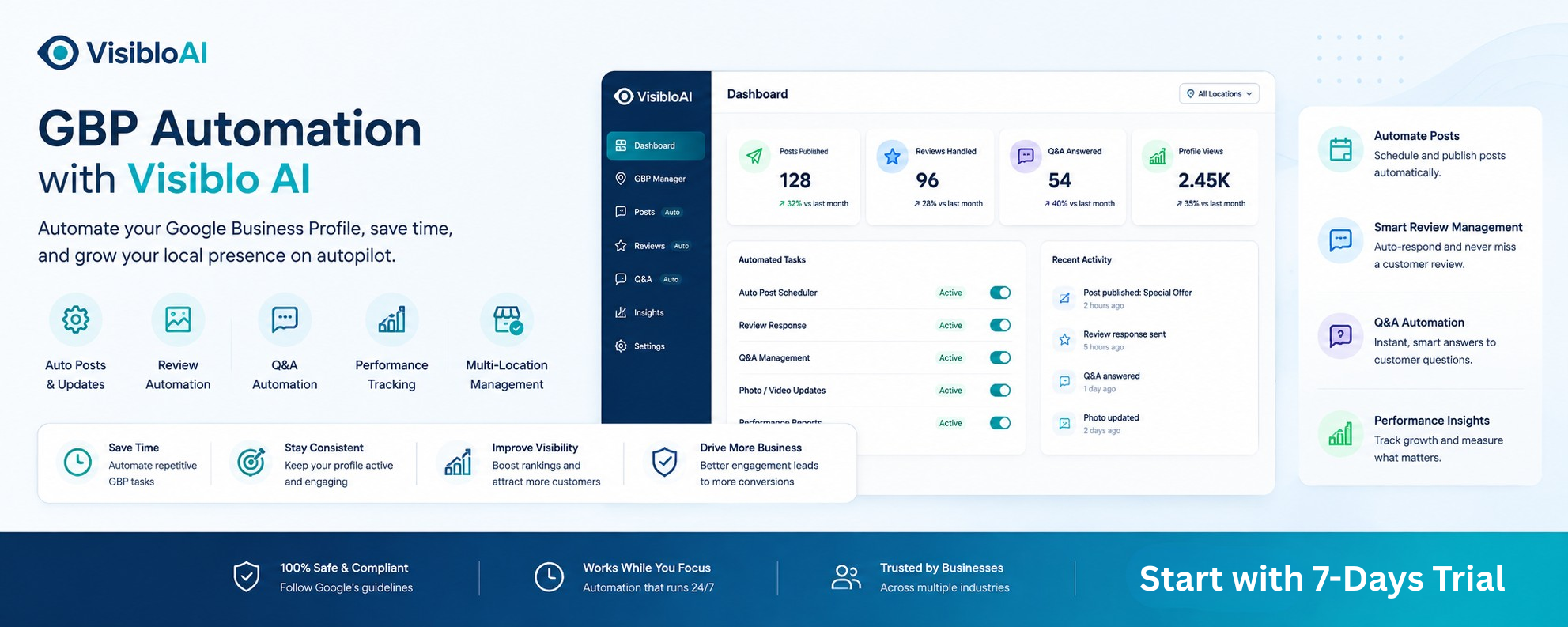
How Visiblo AI Helps Simplify GBP Post Scheduling
This is where a structured tool such as Visiblo AI can support the wider Google Business Profile posting workflow.
Visiblo AI’s AI Auto Post Scheduling approach is designed around more than selecting a date.
It can help businesses organize content planning, prepare post drafts and maintain a more consistent workflow instead of repeating the full process manually for every new update.
Plan Content Before Posting Day
Rather than deciding what to publish at the last minute, businesses can organize topics around:
- services
- customer questions
- offers
- events
- seasonal demand
- business updates
Reduce Repetitive Drafting Work
AI can assist with preparing focused first drafts.
The business can then review important details such as pricing, services, location and offer conditions before the content is scheduled.
Maintain a More Structured Content Calendar
A planned queue makes it easier to balance:
educational posts → service updates → offers → events → customer-focused information.
That helps avoid publishing the same type of promotional post repeatedly.
Support Multi-Location Workflows
Businesses or agencies managing several profiles can benefit from organizing campaigns centrally while still reviewing content for individual locations.
The goal is not simply to publish more.
The goal is to make Google Business Profile management more consistent and less repetitive.
Common Google Business Profile Scheduling Mistakes
Scheduling can save time, but only if it is used properly.
Avoid these common mistakes.
Scheduling Outdated Offers
Always confirm that promotions will still be active when the post goes live.
Copying the Same Post Across Every Location
Maintain brand consistency, but adapt the information when individual locations have different services, offers or audiences.
Ignoring Scheduled Links
A landing page may change after the post is prepared.
Review important campaign links before publication.
Publishing Only Promotional Posts
Not every post needs to say:
“Buy now.”
Mix promotions with useful information, customer questions, service education and business updates.
Using Recurring Posts Without Reviewing Them
A recurring schedule is helpful only while the information remains accurate.
Treating Scheduling as the Entire GBP Strategy
Scheduling controls timing.
It does not automatically decide:
- what your audience needs
- which service should be promoted
- what customers are asking about
- which offer should run
- which location needs different content
A useful strategy still needs business context.
A Better Google Business Profile Post Scheduling Workflow
A practical workflow does not need to be complicated.
1. Decide Your Monthly Priorities
Identify the services, campaigns, offers, events and customer questions that matter right now.
2. Build a Simple Content Calendar
Decide what should be published and approximately when.
3. Prepare the Posts
Write the content and select relevant media.
AI can help speed up this stage, but important business facts still need human review.
4. Review Every Detail
Check:
- dates
- services
- prices
- locations
- offers
- images
- links
- CTA
5. Schedule the Content
Choose the publishing dates and configure recurrence only when appropriate.
6. Check Publication Status
Do not assume every scheduled post automatically becomes visible.
Google reviews posts against its policies, so make sure important campaign posts are actually live.
7. Improve the Next Schedule
Review which subjects and calls to action generated meaningful customer interest.
Use those insights to improve the following month’s content calendar.
That creates a real process instead of simply filling scheduled slots.
Is Google Business Profile Post Scheduling Worth Using?
For most businesses that publish regular Business Profile updates, yes.
Scheduling helps you:
- plan content in advance
- avoid missed publishing dates
- prepare campaigns earlier
- coordinate offers and events
- reduce last-minute posting
- create a more reliable content process
But scheduling works best when it sits inside a clear content strategy.
Publishing ten weak posts automatically is not better than publishing two useful ones.
The goal should always be:
right information + right customer + right time + right action.
Frequently Asked Questions About Google Business Profile Post Scheduling
Can Google Business Profile posts be scheduled?
Yes. Google currently lets businesses schedule posts for a future date and time directly through Business Profile.
Does Google Business Profile have a built-in scheduler?
Yes. Google now provides native post scheduling, so businesses do not necessarily need a third-party tool simply to choose a future publication time.
Can Google Business Profile posts repeat automatically?
Yes. Google supports recurring schedules including weekly, monthly and custom repeating options.
What types of Google Business Profile posts can be scheduled?
Google currently supports Updates, Offers and Events.
Can posts be published across multiple Google Business Profiles?
Google’s current posting workflow allows businesses to select multiple Business Profiles when publishing where that option is available in the workflow.
Is scheduling the same as Google Business Profile automation?
No. Scheduling controls when prepared content publishes. Automation can support the broader workflow including planning, drafting, organizing content and maintaining a consistent schedule.
How often should I schedule Google Business Profile posts?
There is no single frequency suitable for every business. Publish when you have relevant services, offers, events, customer information or business updates worth sharing. Quality and relevance are more important than simply increasing posting volume.
Can AI help with Google Business Profile post scheduling?
Yes. AI can help generate ideas, prepare drafts and organize a content calendar. However, business information such as pricing, offers, availability, locations and service details should always be reviewed before publication.
Make Google Business Profile Posting Easier With Visiblo AI
Google Business Profile post scheduling makes publishing easier because you do not need to manually return to your profile every time an update should go live.
But scheduling is only one part of the process.
Businesses still need to decide what to post, prepare the content, organize campaigns, review details and maintain consistency.
That is where Visiblo AI can help.
Instead of rebuilding your Google Business Profile posting process every week, Visiblo AI helps create a more organized AI-assisted workflow for planning, preparing and scheduling content.
Spend less time repeating routine GBP work and more time focusing on the customers those posts are meant to reach.
Plan smarter. Post consistently. Manage your Google Business Profile with Visiblo AI.