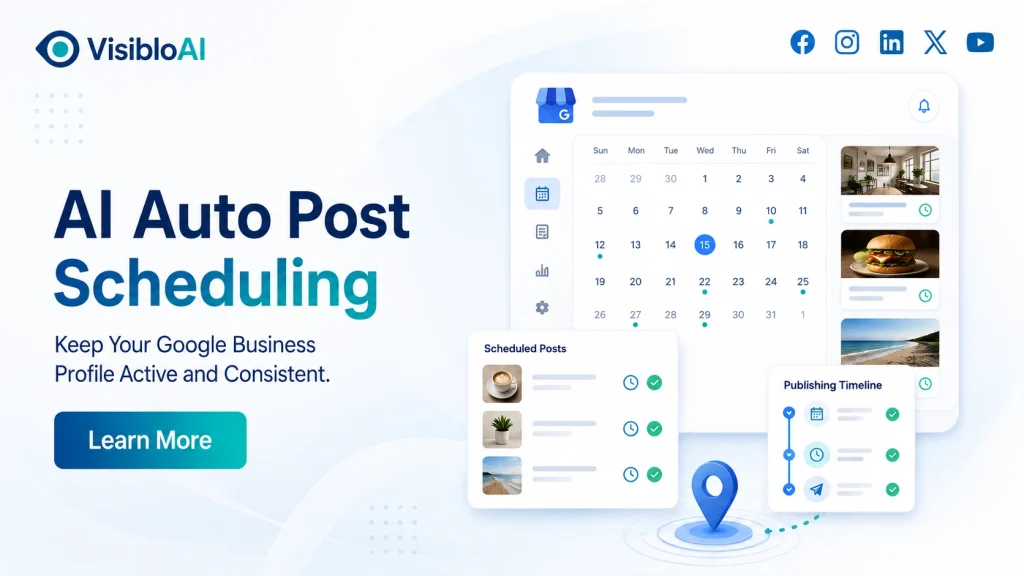
Publishing one Google Business Profile post is easy. Maintaining a useful and consistent posting schedule every week is where most businesses struggle.
Someone must choose a topic, write the content, find the right image, add a call to action, check the details and remember to publish it. When business gets busy, posting is usually one of the first activities to stop.
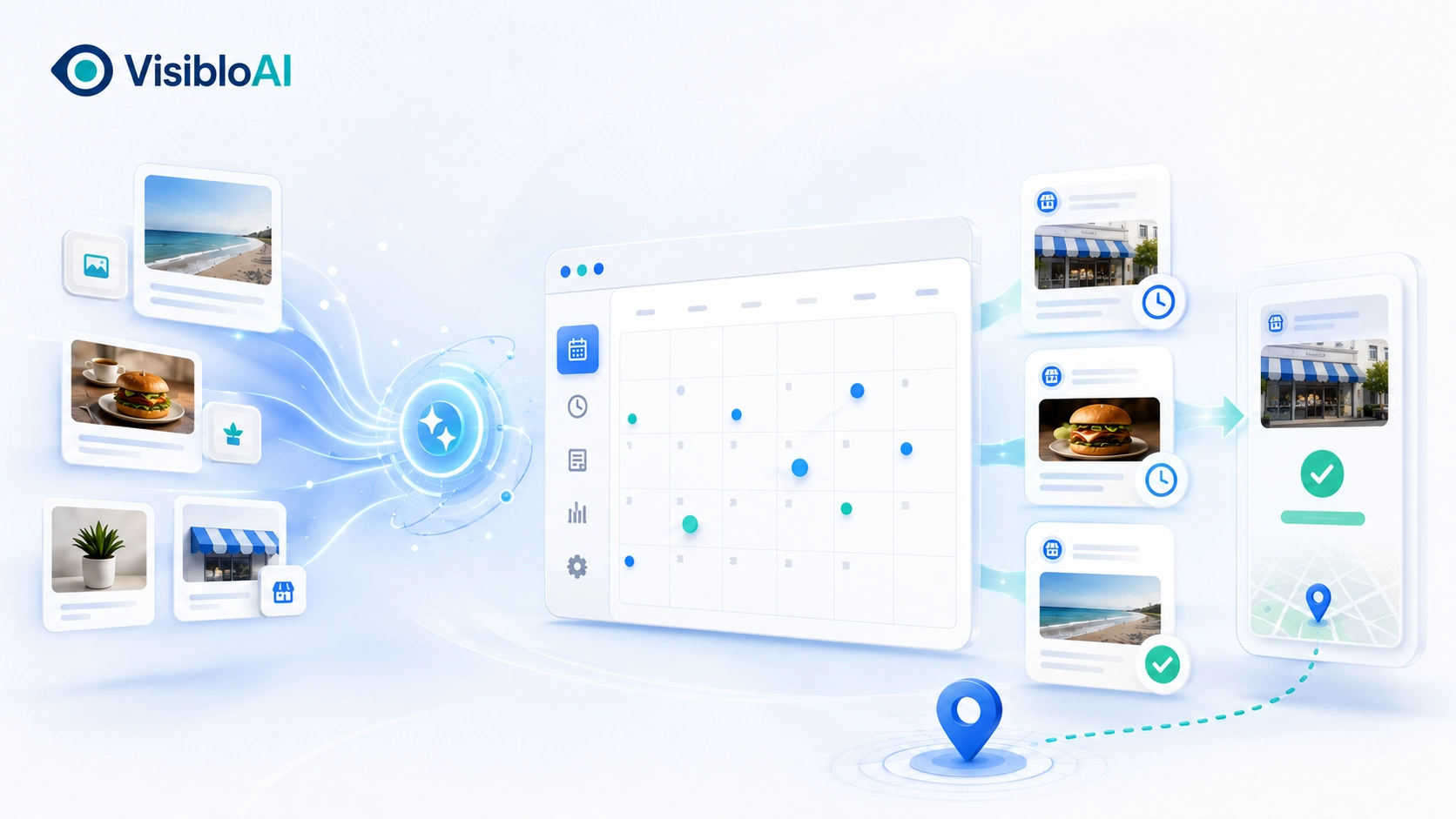
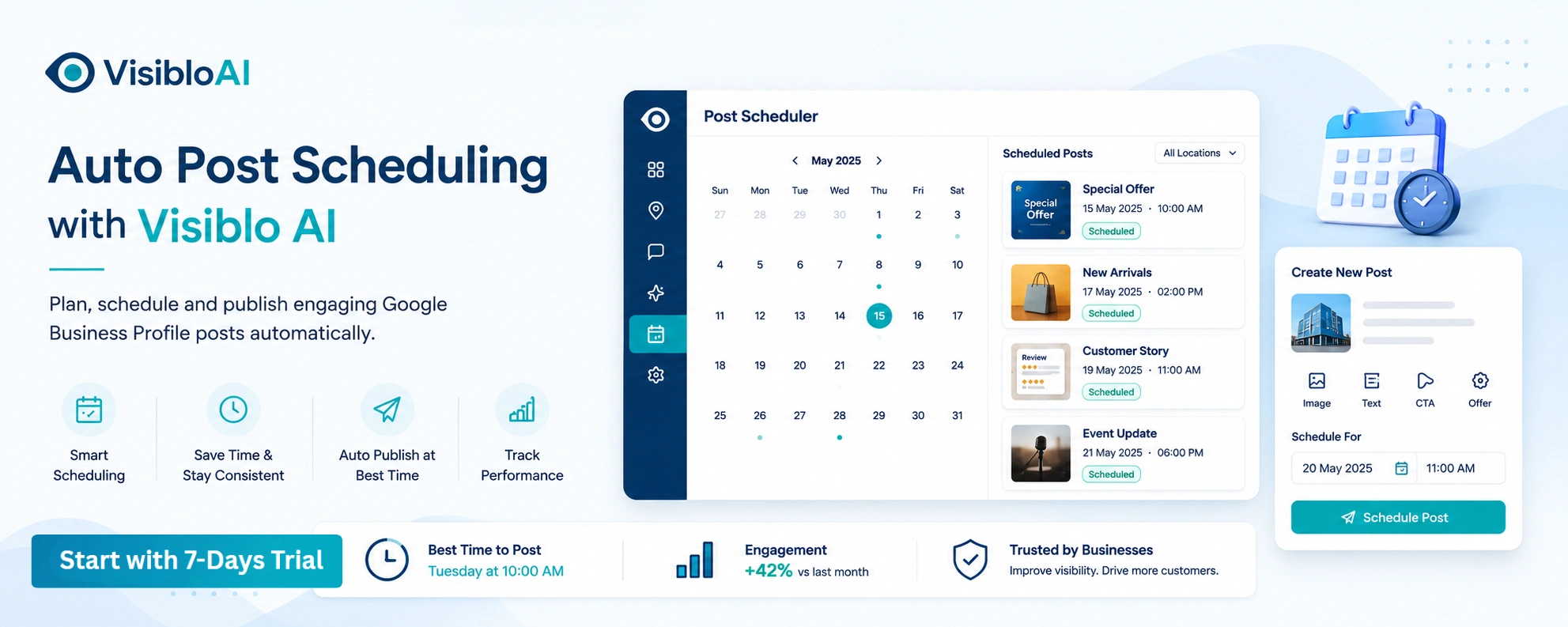
AI auto post scheduling helps solve this operational problem. It brings content planning, post creation and scheduling into a more organized workflow. With Visiblo AI, local businesses can prepare relevant posts in advance and maintain a more active Google Business Profile without repeating the entire process manually every week.
Google Already Schedules Posts So What Does AI Add?
Google Business Profile currently allows businesses to schedule posts for a future date and time. It also supports recurring schedules and publishing across selected Business Profiles.
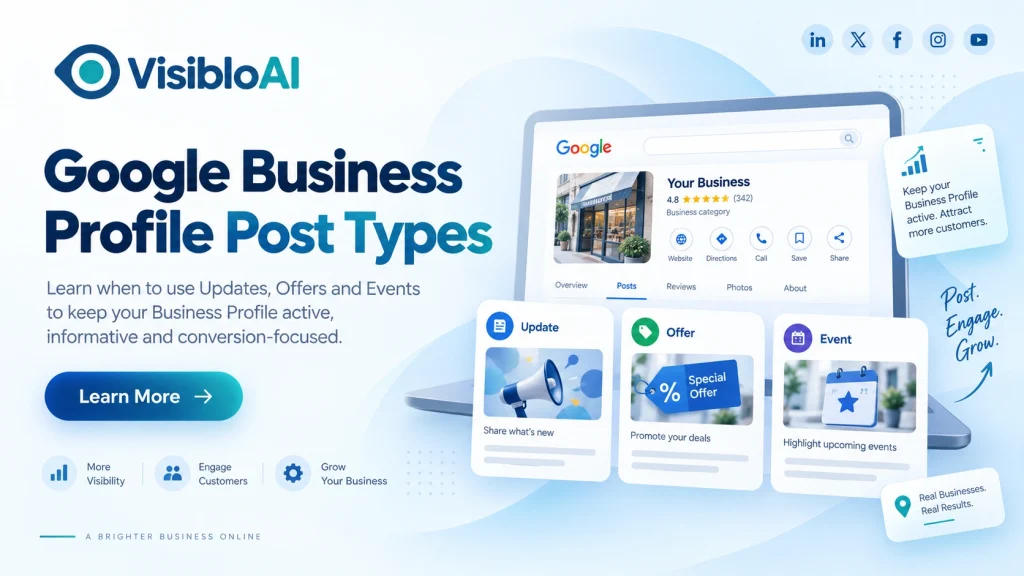
Businesses can schedule three main types of posts:
- Updates
- Offers
- Events
These native features are useful, but they mainly control when a prepared post will be published. The business still needs to decide what to post, create the content, organize the schedule and check every detail.
AI-powered Google Business Profile post scheduling supports the wider content workflow.
|
Google’s Native Scheduling |
AI-Powered Scheduling Workflow |
|
Selects a publishing date and time |
Helps organize a complete content schedule |
|
Requires ready-to-publish content |
Assists with creating post drafts |
|
Supports recurring posts |
Helps maintain a balanced content mix |
|
Provides basic publishing controls |
Reduces repeated planning and writing |
|
Can publish across selected profiles |
Supports more organized multi-location workflows |
The value of AI is not simply choosing a date on a calendar. It is reducing the work required before a post is ready to be scheduled.
Why Google Business Profile Posting Becomes Inconsistent
Most businesses do not intentionally ignore their profile. Their posting process simply depends too heavily on memory and last-minute work.
A common pattern looks like this:
A business publishes several posts during a new campaign. The team then gets busy with customers, operations and other marketing activities. No one has a ready content plan for the following month, so the profile receives no new posts for several weeks.
Other common problems include:
- Offers being published after the promotion has already started
- Events being promoted too late
- The same service being mentioned repeatedly
- Important services receiving no visibility
- Generic content being copied across multiple locations
- Scheduled posts missing a relevant call to action
- No one checking whether a post was approved or published
A reliable Google Business Profile post automation system must manage more than publishing. It should help organize ideas, content, approval, timing and performance.
How AI Auto Post Scheduling Creates a Better Workflow
AI auto post scheduling works best when it supports a clear process. It should not publish random content simply to make a profile look busy.
Here is what a practical workflow should include.
1. Select topics based on current business priorities
The first step is deciding what customers genuinely need to know.
Topics can be selected around:
- Priority products or services
- Frequently asked customer questions
- Current offers
- Upcoming events
- Seasonal demand
- New business updates
- Location-specific services
- Changes in availability
For example, a clinic may plan posts about appointment availability, preventive health services and holiday timings. A restaurant may focus on menu additions, weekend events and seasonal offers.
The topics should come from real business activity not only from keywords.
2. Build a balanced content queue
Publishing only promotional posts can make a profile feel repetitive. A stronger Google Business Profile content calendar should include different types of useful information.
A practical content mix can include:
- Service education
- Customer questions
- Business updates
- Genuine offers
- Events
- Product highlights
- Seasonal information
- Trust-building content
This gives customers more reasons to read and interact with the profile.
3. Use AI to prepare a focused first draft
An AI-generated draft should focus on one clear message. It should explain what the business is offering, why it matters and what the customer should do next.
A useful draft normally contains:
- One main topic
- A clear customer benefit
- Relevant service or location details
- Simple and natural language
- One suitable call to action
AI can reduce writing time, but it should not invent business information. Pricing, availability, offer terms, opening hours and location details must be checked before scheduling.
4. Review the post before publication
Human review is still essential.
Before approving an AI-generated Google Business Profile post, check:
- Is the service information correct?
- Are the offer dates and terms accurate?
- Does the post match the selected location?
- Is the image relevant?
- Does the CTA lead to the correct page?
- Does the content follow Google’s policies?
- Does it sound like the actual business?
This short review prevents inaccurate or overly generic content from being published automatically.
5. Schedule posts around the business calendar
Once the content is approved, posts can be scheduled around offers, events, seasonal demand and normal weekly activity.
Planning in advance helps the business remain consistent during busy periods, holidays, staff absences and large campaigns. It also prevents important promotions from being published too late.
A Practical Four-Week GBP Content Schedule
Businesses do not need to publish every day to create a useful profile. One or two valuable posts per week can be a practical starting point.
Here is a simple monthly framework:
|
Week |
Post Type |
Suggested Focus |
CTA |
|
Week 1 |
Service post |
Explain one important service and the problem it solves |
Learn more |
|
Week 2 |
Educational post |
Answer a frequent customer question |
Learn more |
|
Week 3 |
Offer or event |
Promote a genuine, time-sensitive opportunity |
Book or Sign up |
|
Week 4 |
Trust post |
Share a process, achievement or business update |
Call now |
This schedule can be adjusted according to the business.
A restaurant may need more frequent updates for specials and events. A professional service company may benefit more from one or two detailed weekly posts. The right schedule depends on how much relevant information the business has to share.
Publishing useful content consistently is more valuable than scheduling several weak posts simply to increase volume.
How to Prevent Scheduled Posts from Sounding Robotic
The biggest risk with AI-generated Google Business posts is not automation itself. It is publishing the first draft without adding real business context.
The following practices can keep scheduled content natural and useful.
Give every post one purpose
Do not try to promote five services in one update. A focused post is easier to understand and more likely to generate a relevant action.
Add specific business information
Include real details such as the service process, availability, product category, local event or genuine offer terms. Specific information makes the post more trustworthy.
Match the post to the location
A post for a Bandra location should not be copied directly to Pune, Delhi or another branch without reviewing it.
Local details may include:
- Available services
- Local offers
- Opening hours
- Events
- Customer needs
- Landing-page URLs
Use the right CTA
The CTA should match the purpose of the post.
Use “Learn more” for educational content, “Book” for appointments, “Order online” for products and “Call now” when the customer needs immediate assistance.
Google does not allow phone numbers inside Business Profile post content. Use the verified “Call now” button instead.
Managing Posts Across Multiple Business Locations
Google Business Profile post scheduling becomes more difficult when a business manages several branches.
The main campaign, brand voice and visual identity may remain consistent, but every location can have different services, audiences, offers and operational details.
A better multi-location process is to create one campaign framework and then develop a relevant version for each branch.
For example, the core topic may be the same, but the following elements can change:
- Location name
- Available service
- Offer date
- Local image
- Customer problem
- Destination URL
- Call to action
This approach protects brand consistency without making every profile look identical.
Visiblo AI can help businesses and marketing teams organize their Google Business Profile posting workflow more efficiently, particularly when several profiles need regular content.
What Should and Should Not Be Automated?
Automation should reduce repetitive work while the business retains control over accuracy.
|
AI Can Assist With |
Human Verification Is Required For |
|
Content ideas |
Prices and discounts |
|
First drafts |
Business hours |
|
Content-calendar planning |
Offer conditions |
|
Headline variations |
Service availability |
|
CTA suggestions |
Location-specific details |
|
Reusable content frameworks |
Legal, medical or financial claims |
Sensitive or time-dependent information should never be published without review. The goal is to make the process faster not remove responsibility from the business.
How to Measure Whether Post Scheduling Is Working
An active profile is useful, but activity alone is not the final result.
Businesses should measure whether their scheduled posts are generating meaningful customer actions.
Useful performance indicators include:
- Posts planned versus posts successfully published
- Website visits from GBP posts
- CTA clicks
- Calls, bookings or enquiries
- Offer redemptions
- Engagement by post topic
- Performance by location
- Rejected or failed posts
- Time saved each month
Add UTM parameters to the URLs used in your posts. This helps separate visitors coming from Google Business Profile content from other traffic sources.
A simple example is:
utm_source=google&utm_medium=organic&utm_campaign=gbp_posts
Review the results every month. If educational service posts generate more clicks than general business updates, include more educational content in the next schedule.
The best posting schedule is not the one publishing the highest number of posts. It is the one that consistently produces useful customer actions.
Common AI Post Scheduling Mistakes
Automation can save time, but poor implementation can create weak or inaccurate content.
Avoid these mistakes:
- Publishing generic AI content without editing it
- Using identical posts for every business location
- Scheduling outdated services, prices or offers
- Adding the same CTA to every post
- Publishing only sales-focused content
- Ignoring rejected or failed posts
- Using incorrect location information
- Measuring publishing volume instead of customer response
- Treating regular posts as a guaranteed local ranking method
Google explains that local rankings are mainly influenced by relevance, distance and prominence. Regular posts can support customer communication and a well-managed profile, but post scheduling alone cannot guarantee a higher Google Maps position.
How Visiblo AI Helps Maintain a Consistent Posting Workflow
Visiblo AI is designed to make Google Business Profile management more organized and less time-consuming.
Its AI Auto Post Scheduling capability helps businesses prepare content, plan updates in advance and maintain a more consistent publishing workflow. Instead of starting from a blank page every week, businesses can organize their post topics around services, customer questions, offers, events and seasonal priorities.
For busy local businesses, this reduces repeated manual work. For agencies and multi-location brands, it creates a more structured way to manage content across several profiles.
Visiblo AI does not replace business knowledge or human judgment. It supports the repetitive parts of the workflow while allowing the business to review accuracy, relevance and brand voice before content is published.
The result is not simply more posts. It is a more dependable process for keeping customers informed through Google Search and Google Maps.
Frequently Asked Questions
Can Google Business Profile posts be scheduled in advance?
Yes. Google Business Profile supports scheduling posts for a future date and time. Businesses can also create recurring schedules. AI scheduling tools add value by helping with content planning, draft creation and workflow organization.
Why use an AI scheduler if Google provides scheduling?
Google’s native feature schedules a prepared post. An AI-powered tool can help businesses decide what to publish, prepare drafts, organize a content calendar and maintain consistency across one or multiple locations.
How often should a business post on Google Business Profile?
One or two useful posts per week can be a practical starting point for many businesses. However, there is no single frequency that works for everyone. Content quality, relevance and customer value should guide the schedule.
Can scheduled posts improve local SEO?
Scheduled posts can help businesses maintain accurate and useful customer communication. However, Google does not confirm posting frequency as a direct ranking factor, and publishing more posts cannot guarantee better local rankings.
Should AI-generated GBP posts be reviewed?
Yes. Always verify prices, services, hours, locations, offer conditions, links and business claims. Human review keeps automated content accurate, natural and trustworthy.
Build a More Consistent Google Business Profile Workflow
Google Business Profile post scheduling is most effective when planning, content creation, approval and performance tracking work together.
AI can reduce the time required to prepare regular updates, but the business should remain responsible for accuracy and customer relevance. This balance helps maintain a profile that feels active without making its content feel automated.
If your posting process becomes inconsistent because of limited time, missing ideas or multiple locations, Visiblo AI can help you organize it more effectively.
Plan ahead, reduce repeated work and keep your Google Business Profile content moving with Visiblo AI.